
Internship

Hi, I am Ananya
Working as a Product Design Intern
Overview
Bharatpe was in the process of upgrading their design system. My tasks were primarily focused on redesigning the existing user journeys with the dynamic design system.
My Role
Profile - Product Design Intern
Duration - 16 Weeks (Feb - May)
What's Bharatpe Merchant App ?
The BharatPe Merchant App is a digital payment solution designed specifically for small and medium-sized businesses (SMBs) in India. It allows merchants to accept payments through various UPI (Unified Payments Interface) apps like Google Pay, PhonePe, Paytm, etc., without needing multiple QR codes.
Offerings of the App
Unified QR Code
Merchants can generate a single QR code that accepts payments from any UPI app.
Instant Settlements:
Payments are credited directly to the merchant's bank account instantly, without any charges.
Loans:
The app provides access to business loans based on the transaction history of the merchant, making it easier for small businesses to secure funding.
Account Management:
Merchants can track all transactions in real-time, manage their accounts, and access sales reports.
Rewards:
Merchants can earn rewards and cashback for achieving certain transaction milestones or referring others to the platform.
Expense Management:
Recent versions of the app also offer features for managing business expenses and paying bills directly through the app.
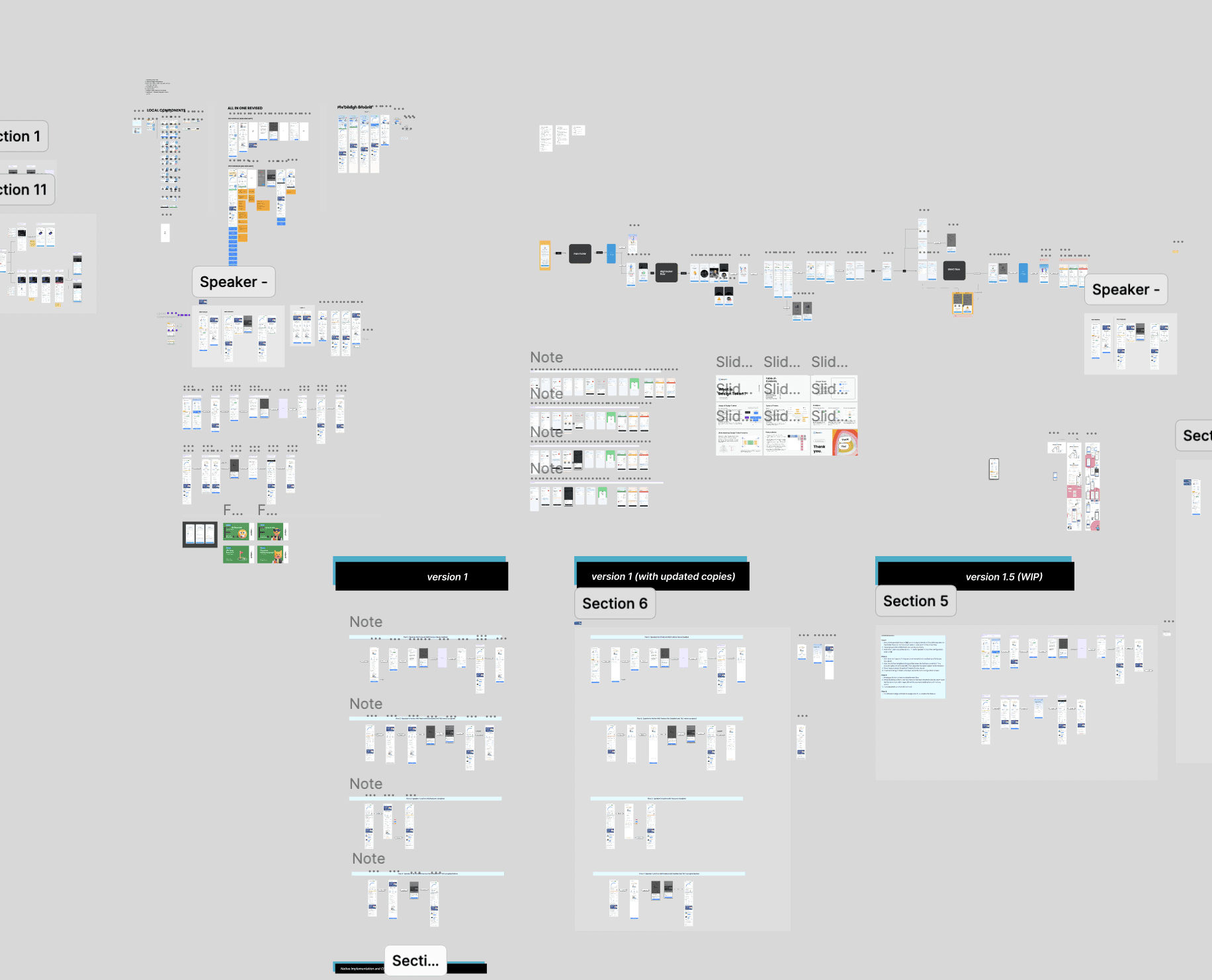
Worked on 100+ Screens
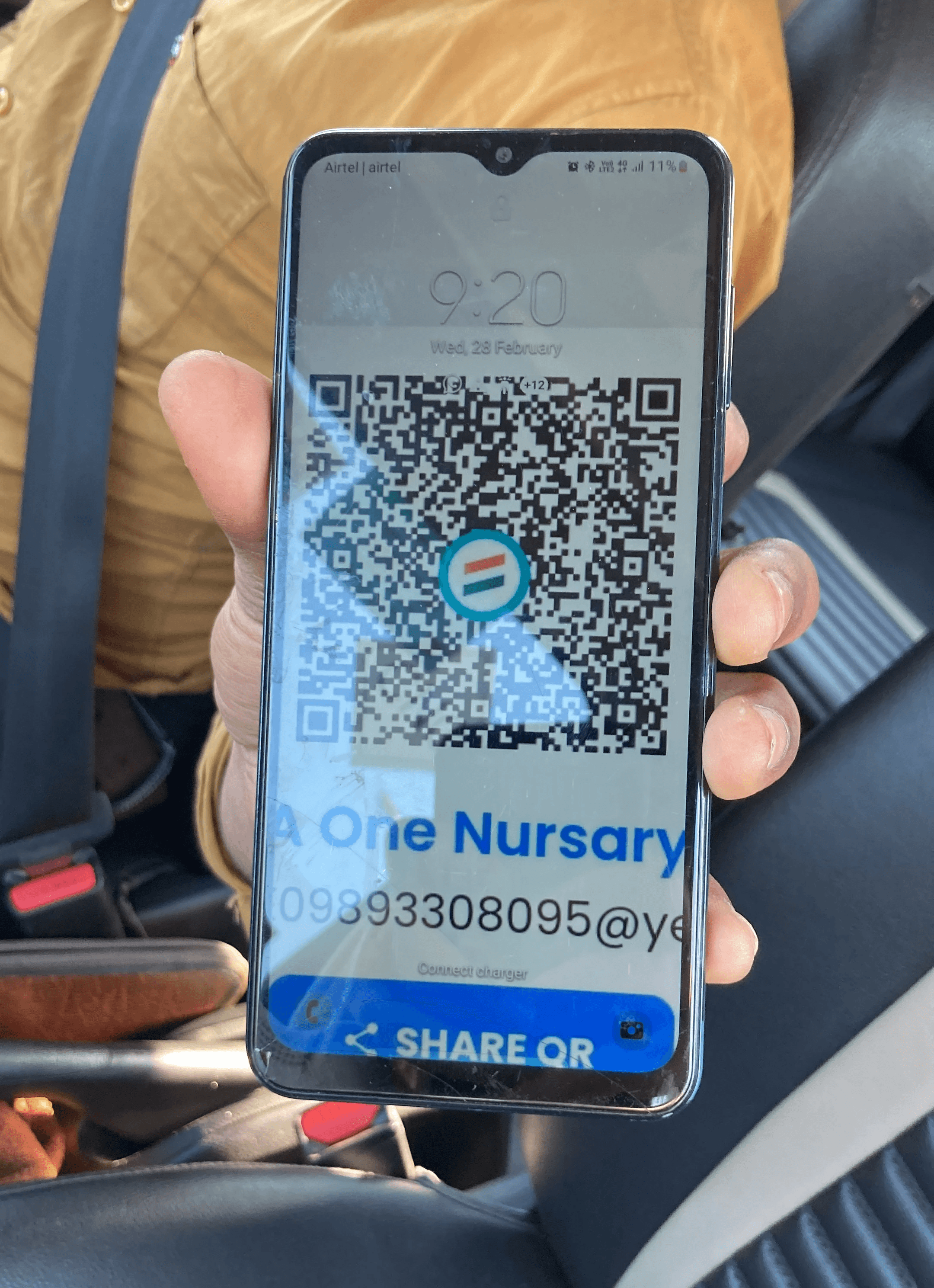
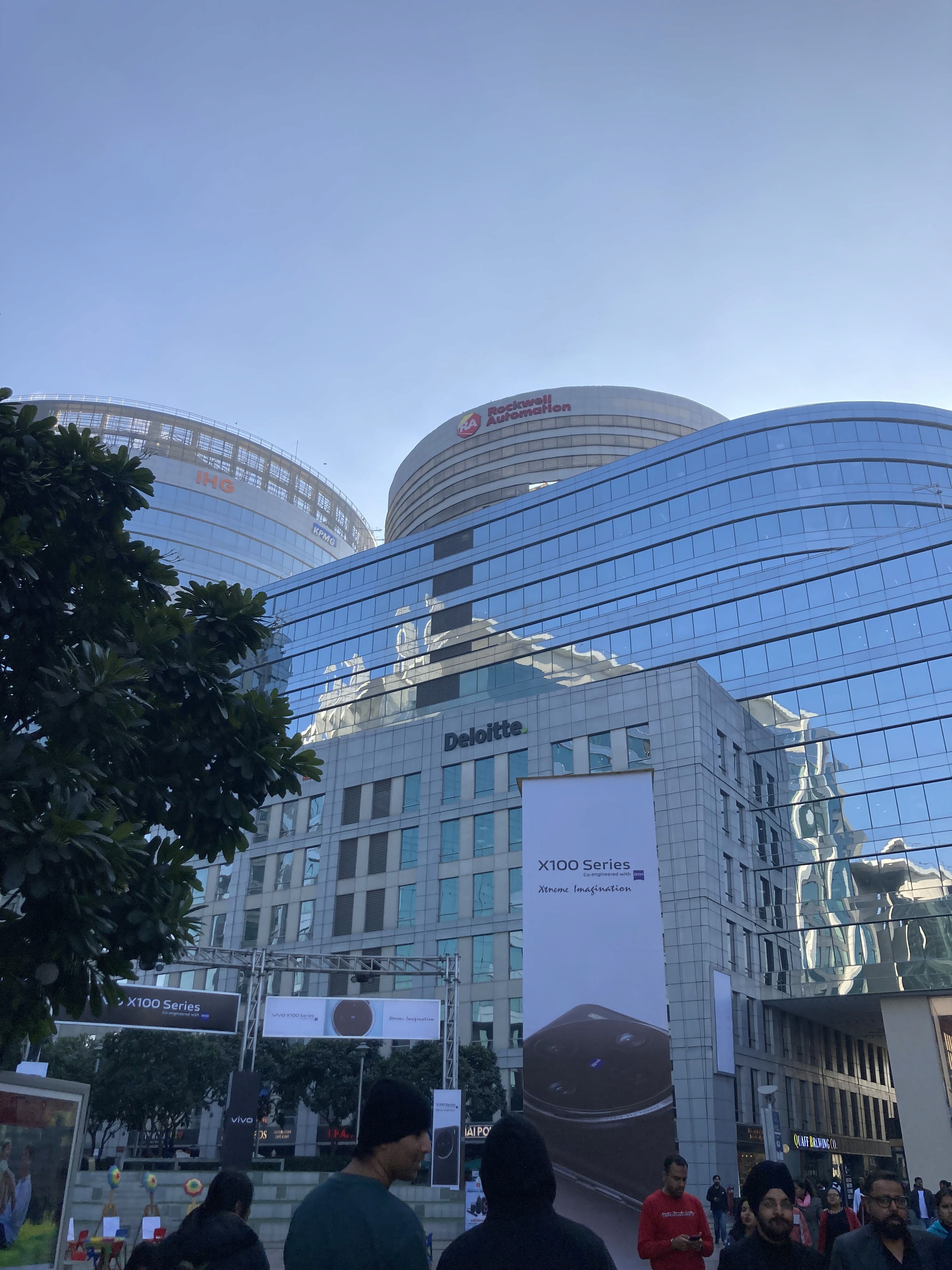
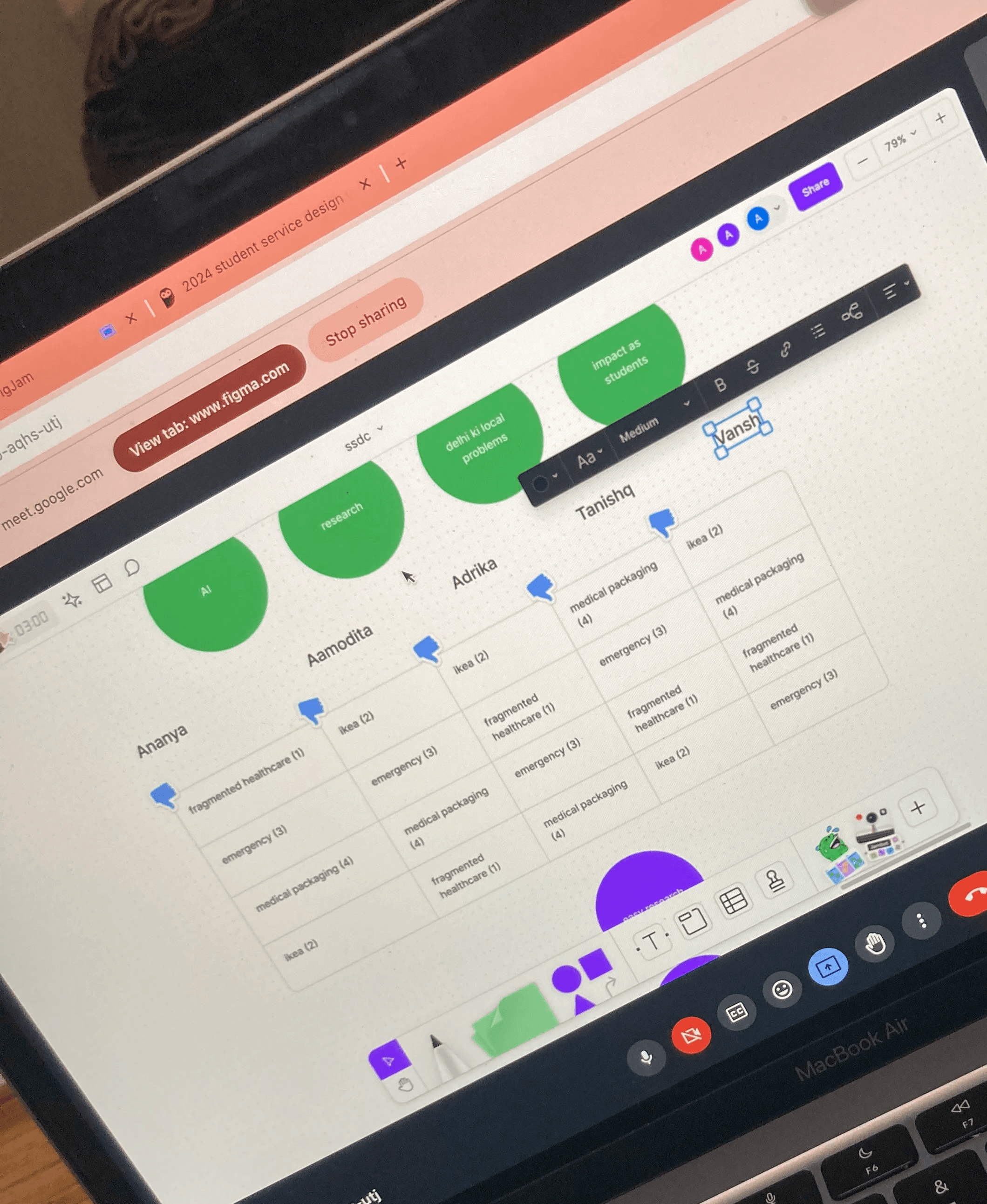
Conducted Real Time User Research
Brainstorming to align user flow with task flow
Overview- Task 01
BharatPe was undergoing a revamp of their Design System - Kuber 2.0. I was assigned to study the newly developed design system and update the existing task flow screens for Mobile Prepaid. Boardband Landline, Water Bill Payment, Cylinder Booking Screens

This was my first Task at Bharatpe. I understood and studied the design system in my first week and revamped the screens in the second & third.

I can only showcase Limited screens because of NDA with the company.
Overview - Task 02
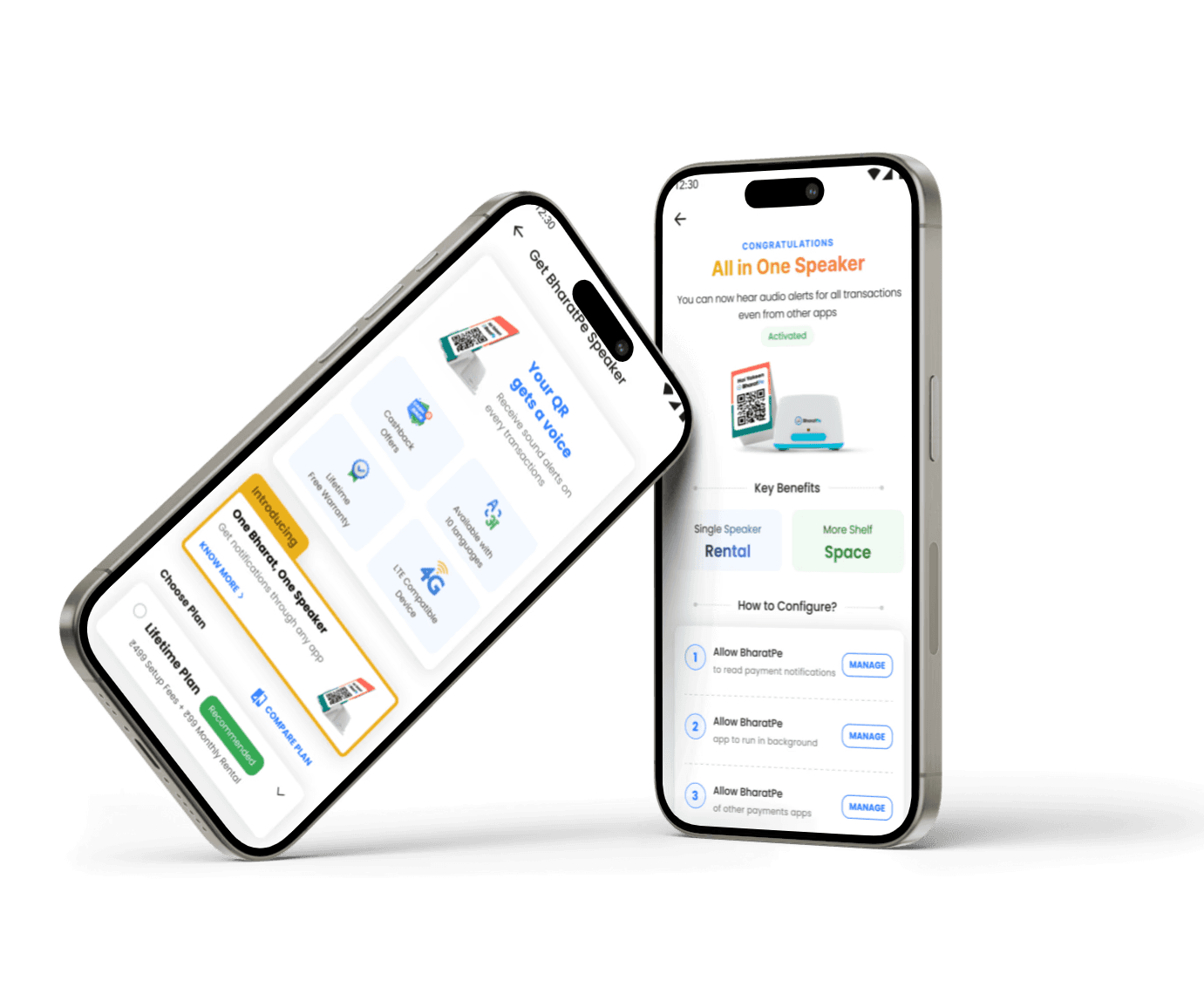
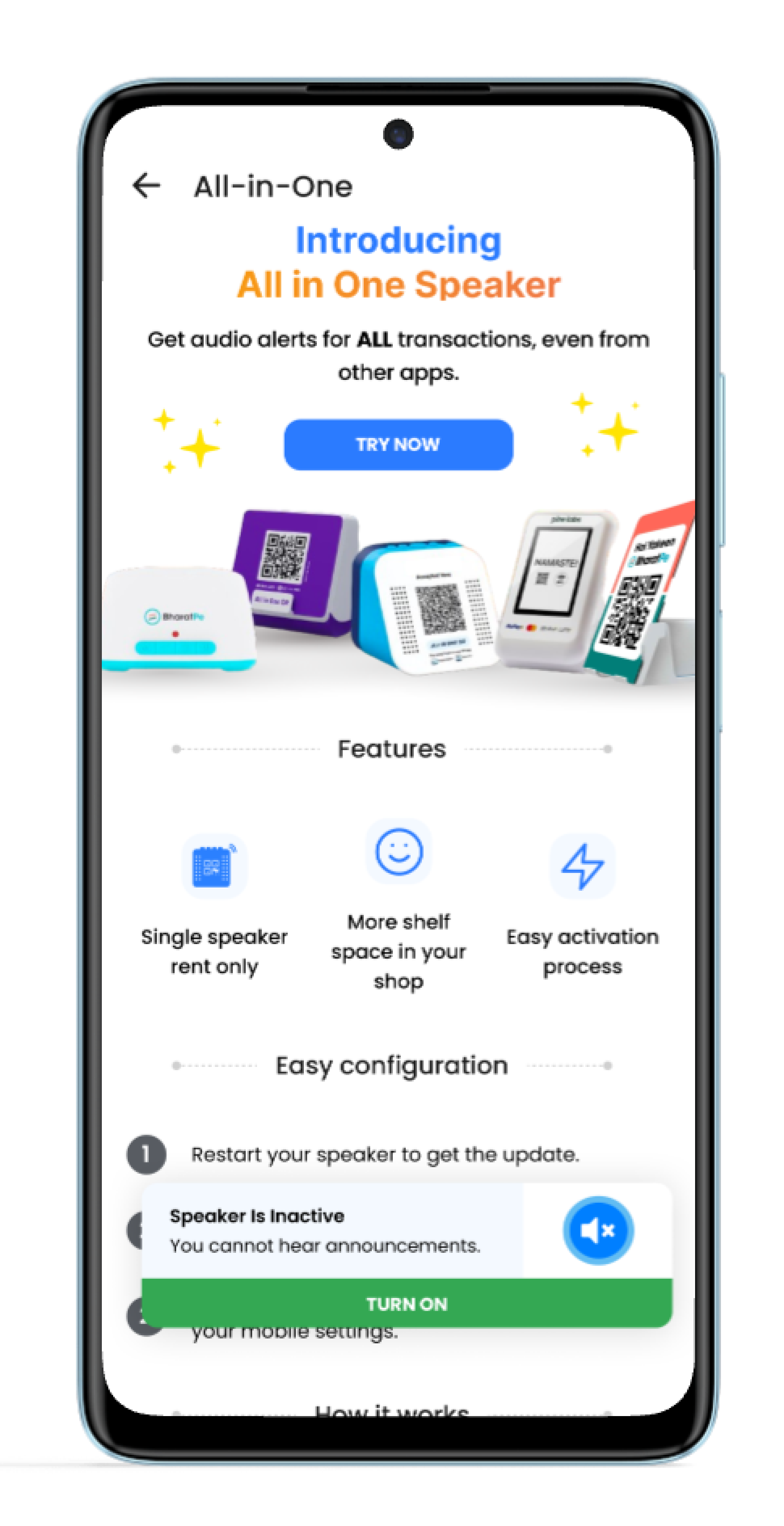
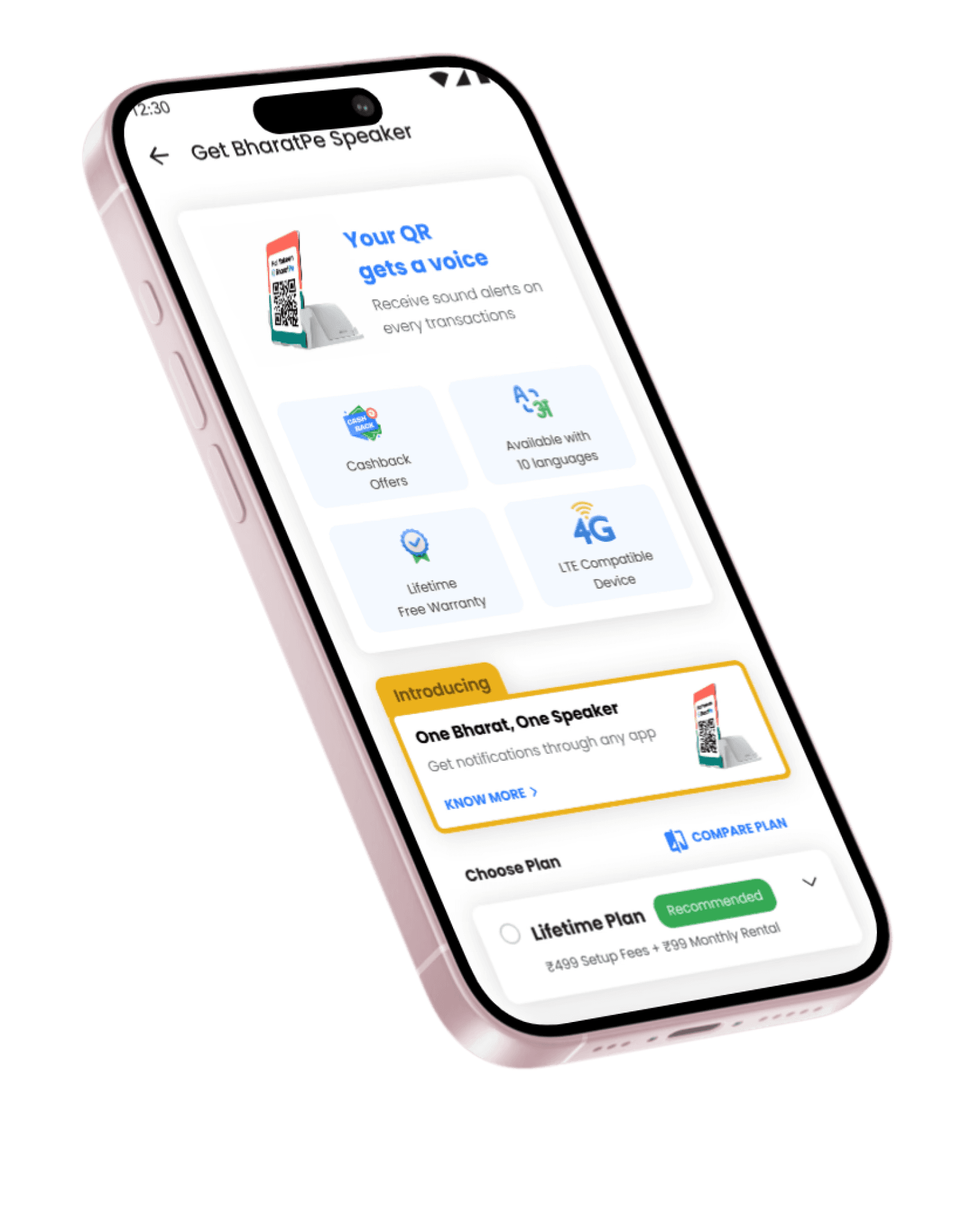
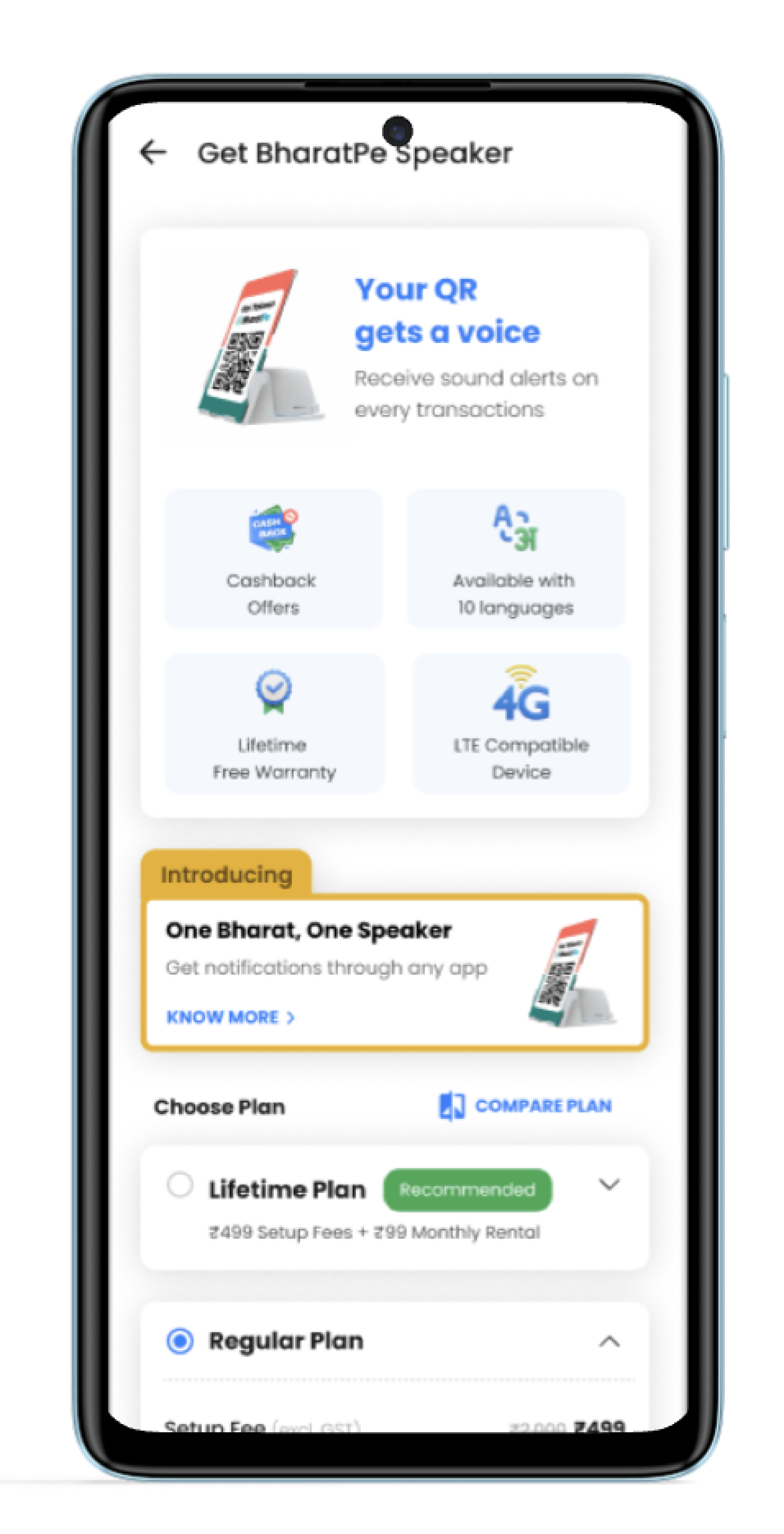
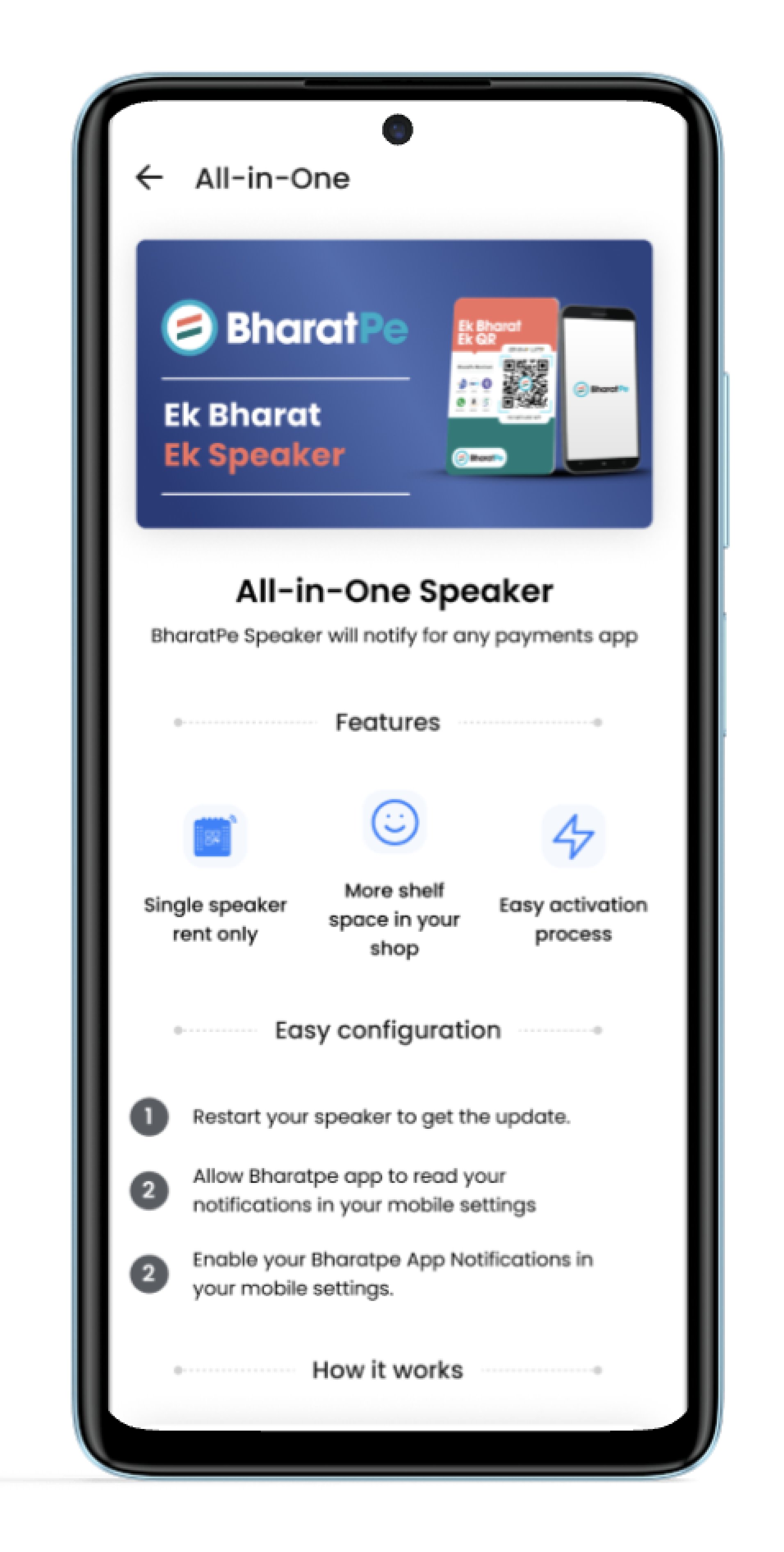
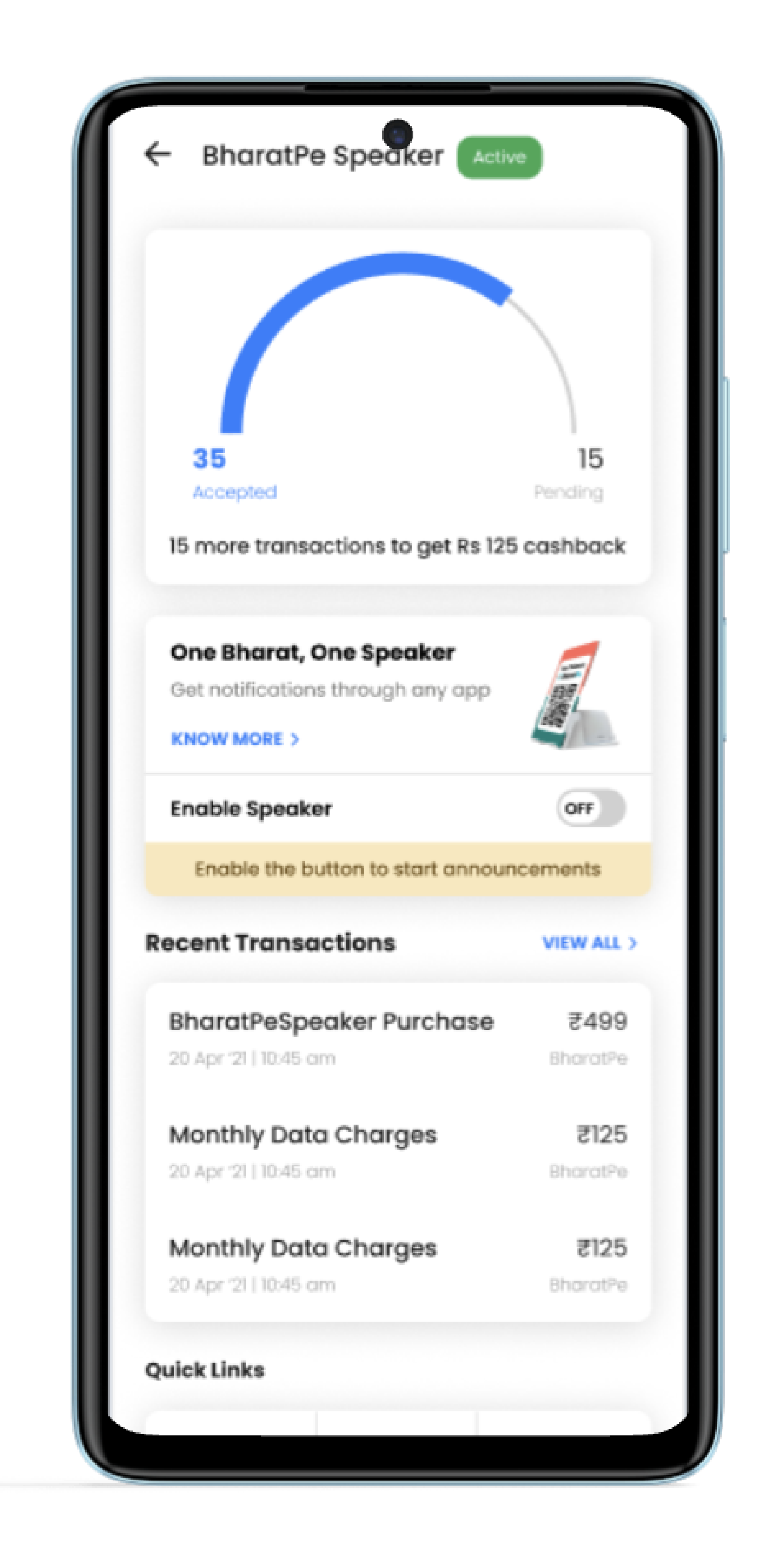
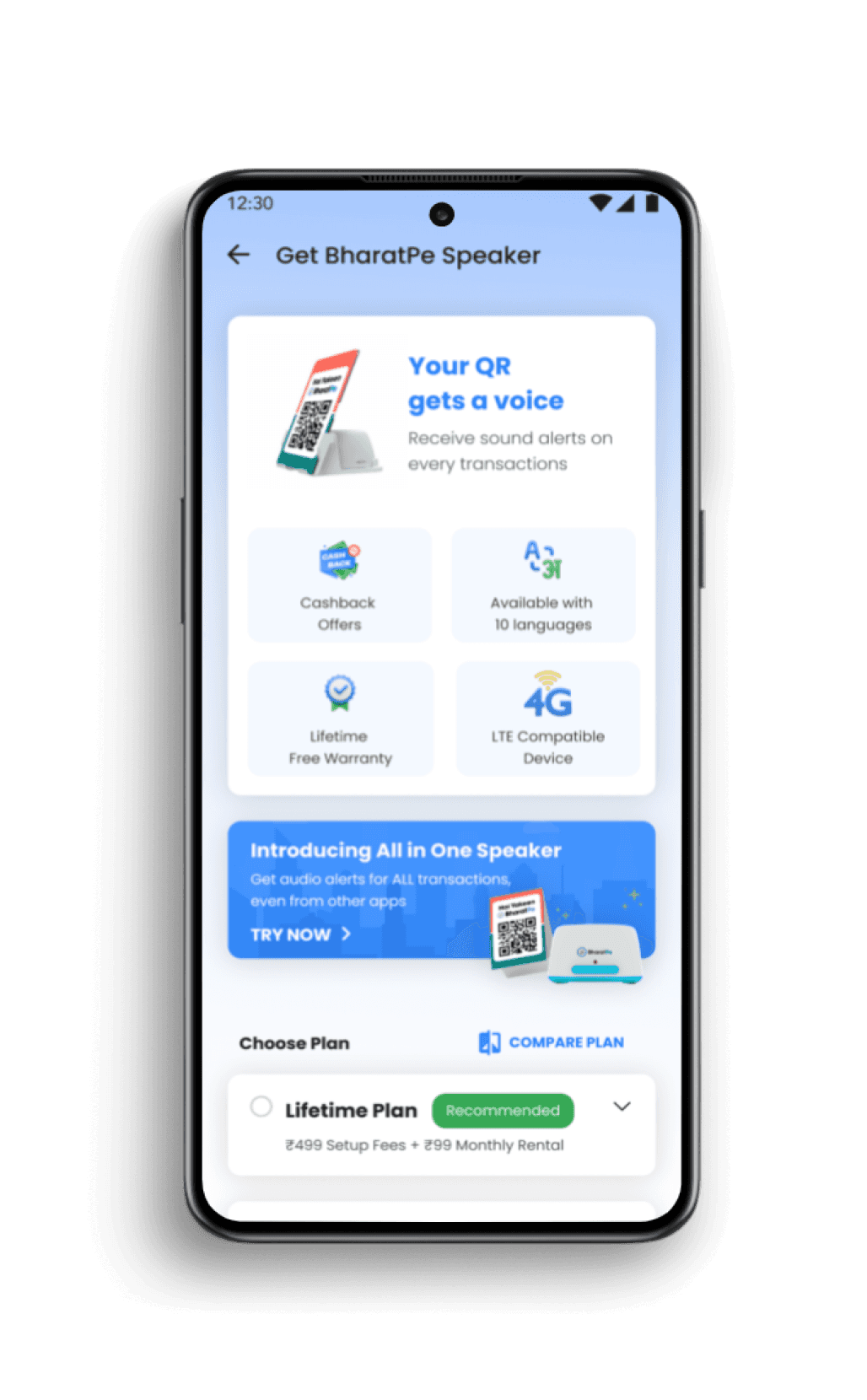
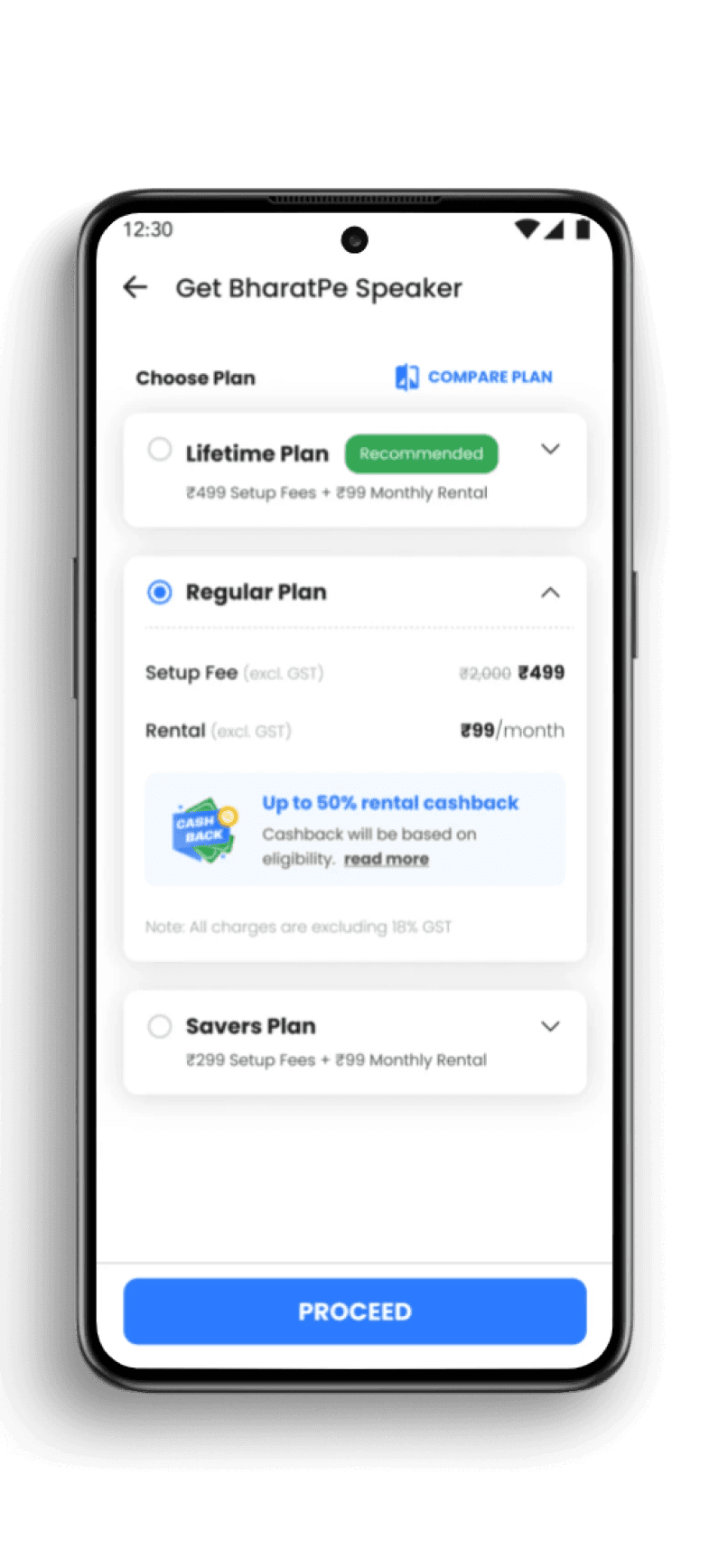
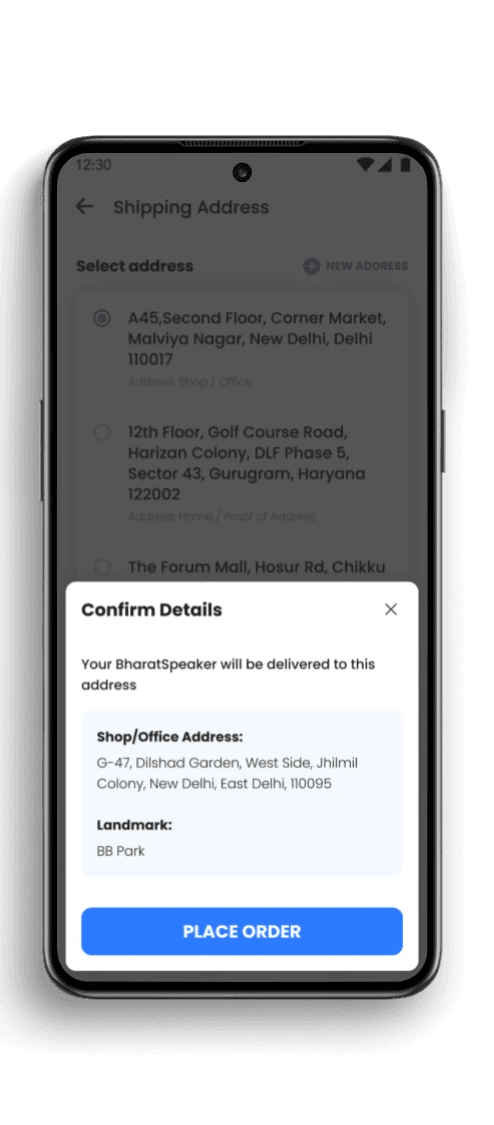
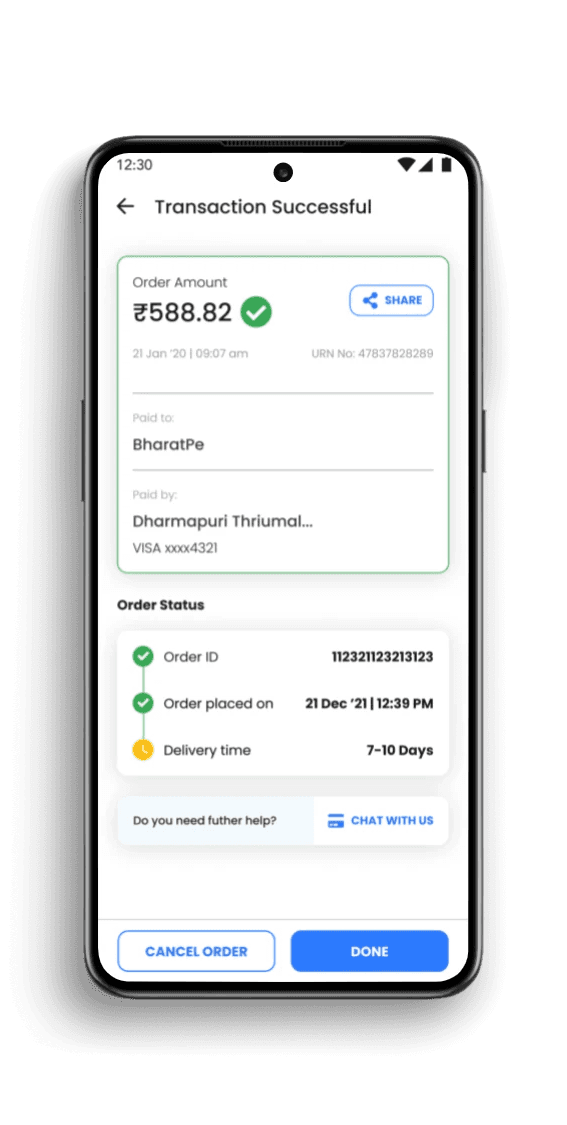
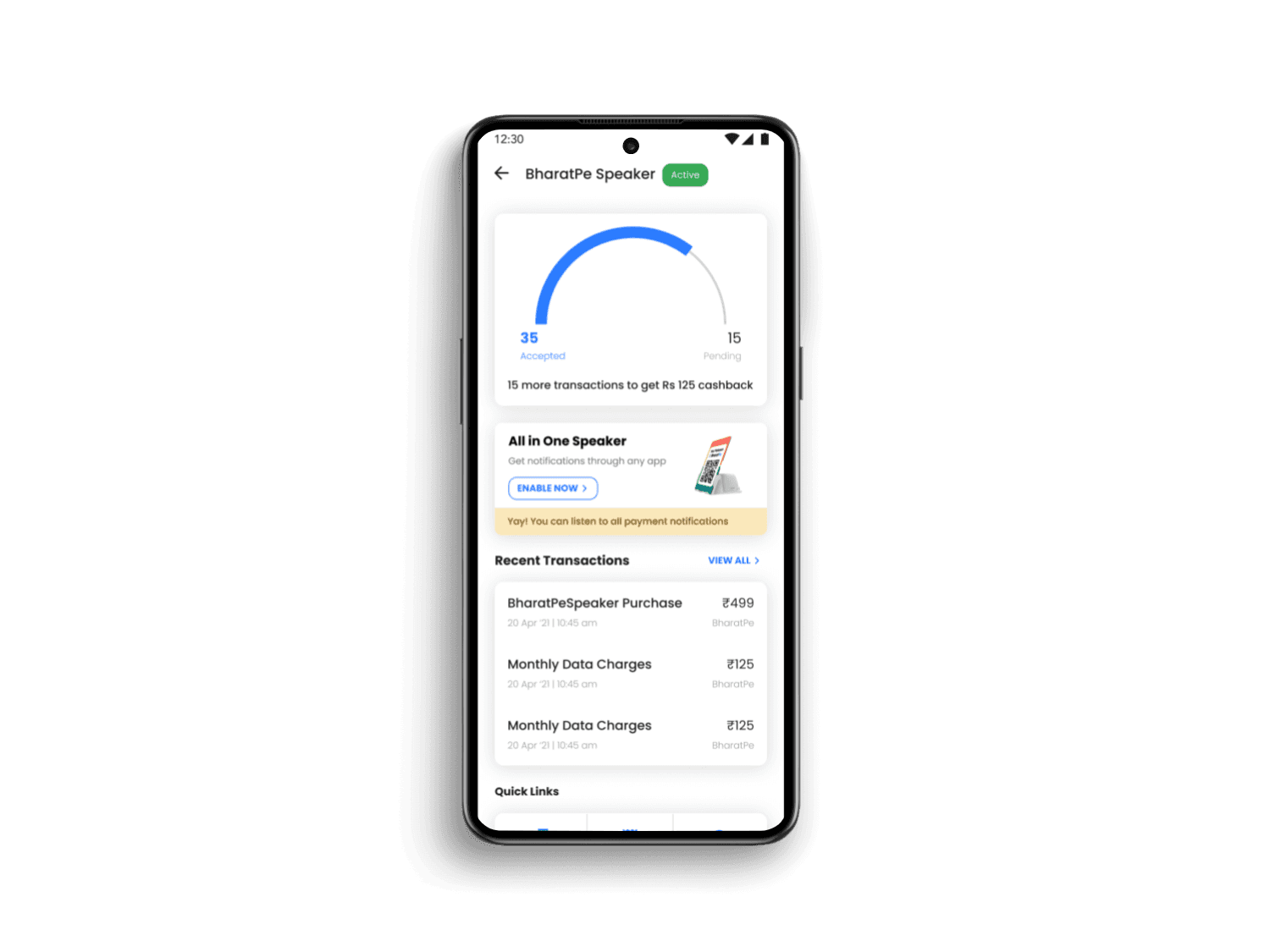
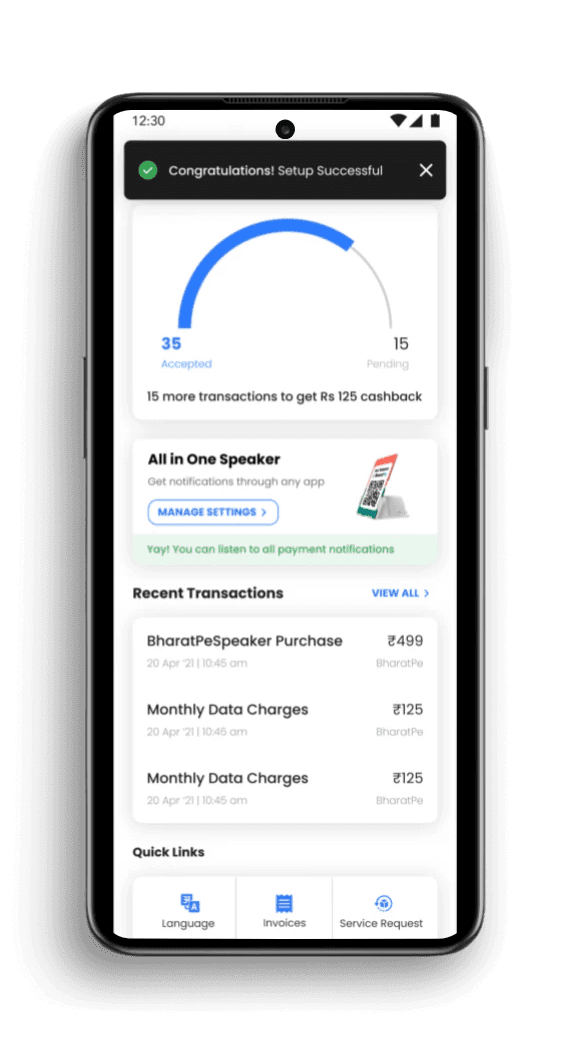
Bharatpe sells its own QR speaker through its app. Along this tangent, they have four products: Simple QR, Simple QR+ Speaker, QR Box Speaker, and Digital QR Speaker Box. The Brief entailed creating a user task flow which would make the user want to buy the enhanced version of the product that they already own.

Problem
The team wanted to increase the user engagement by introducing a new product.

Objective
Instead of just buying it, the product managers suggested that it should appear as more as an upgradation.

Solution
Changed the layout of the screen, incorporating an open, undefined structure instead of a boxy layout.
Native Challenges
This service can only be controlled by merchant mobile device and its OS. We do not have control of it.
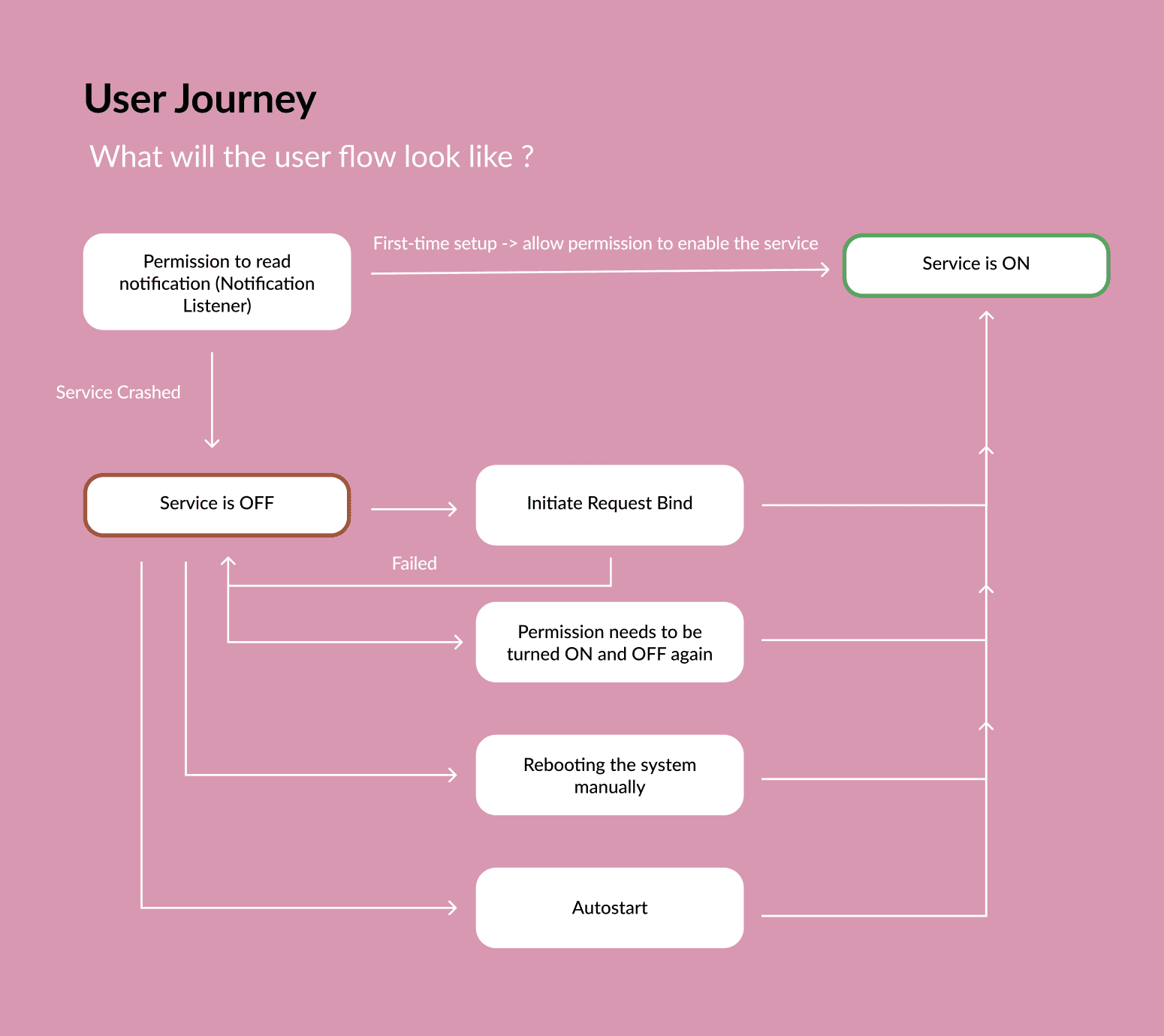
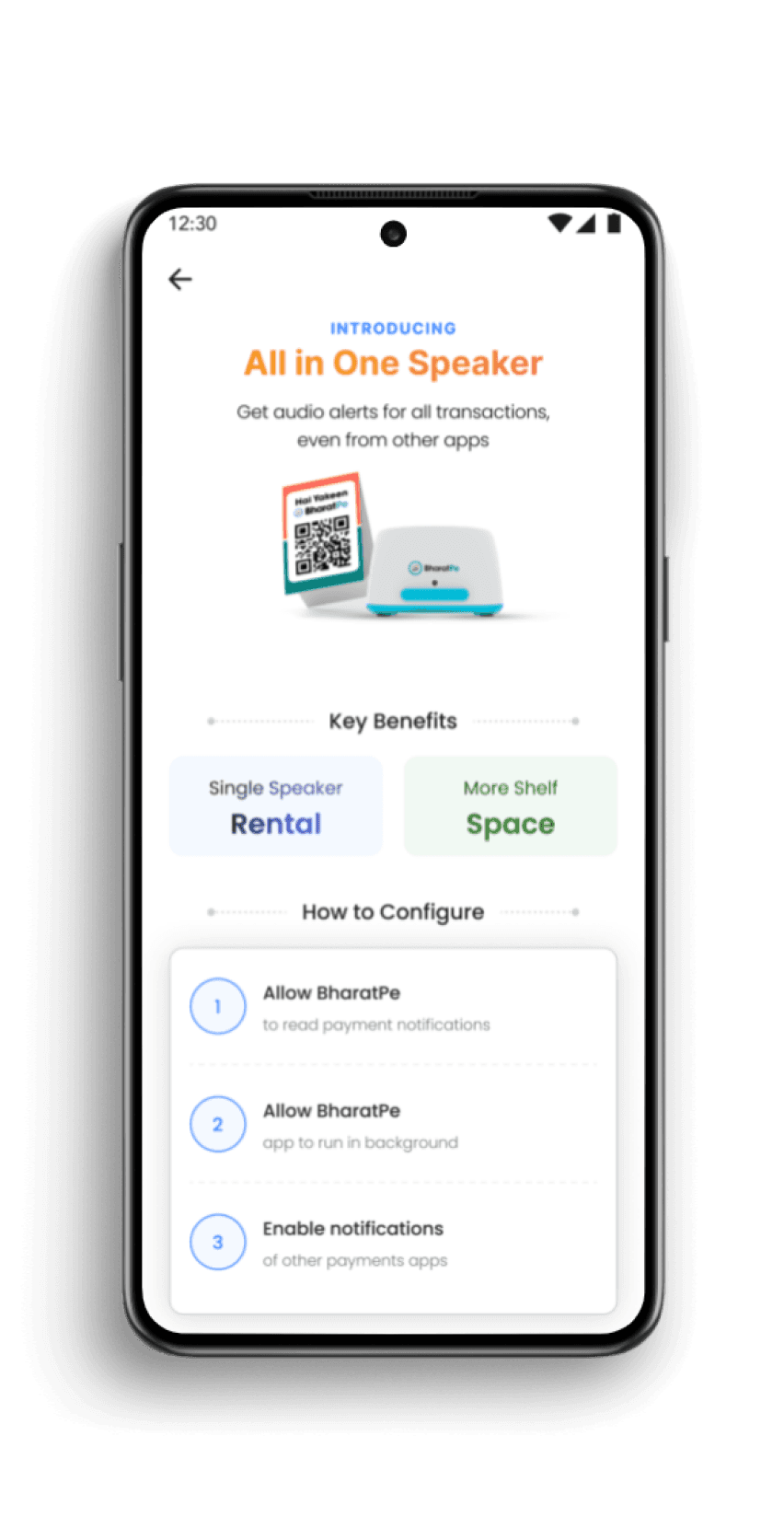
01. Special Permission (Notification Listener)
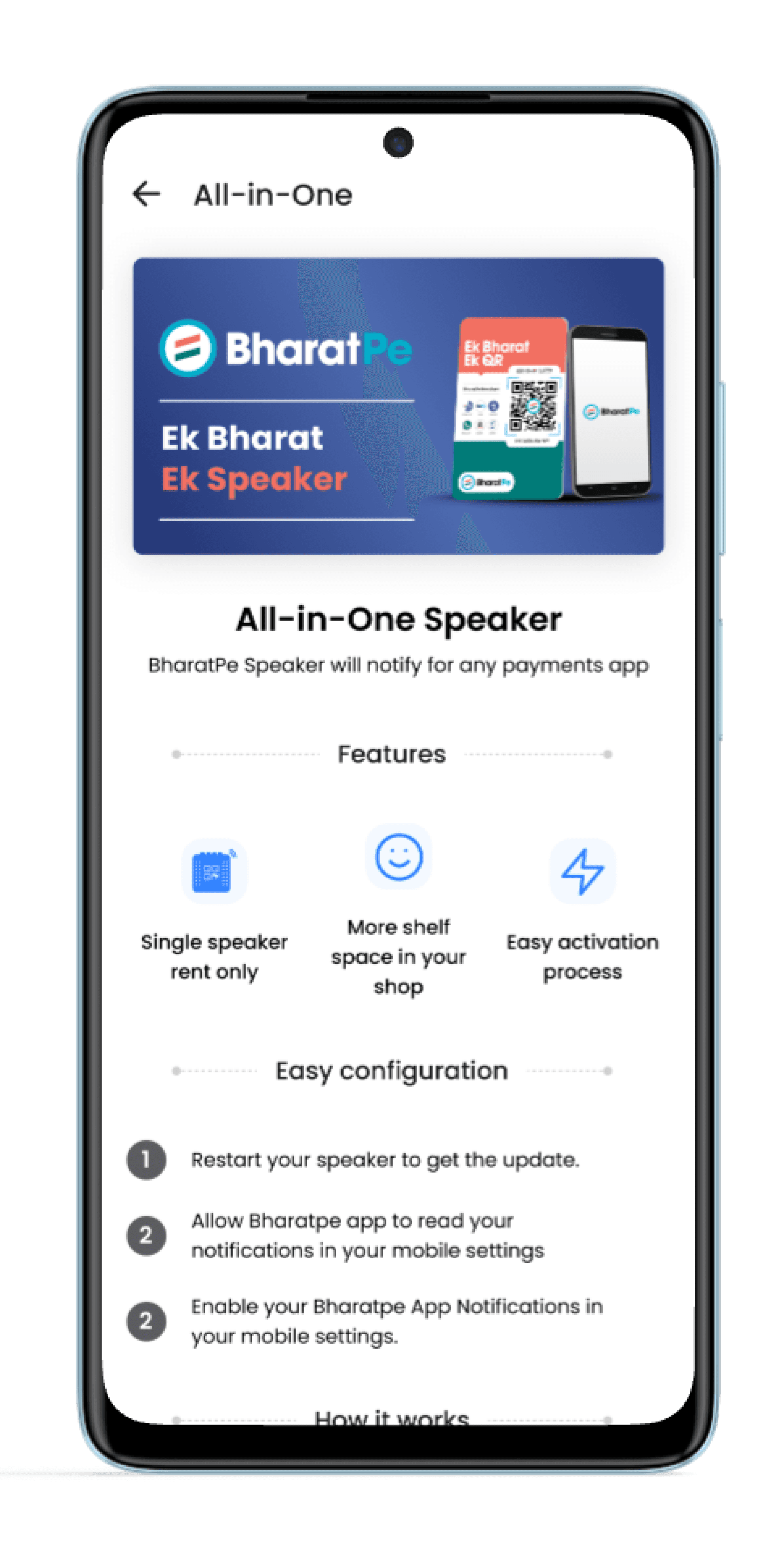
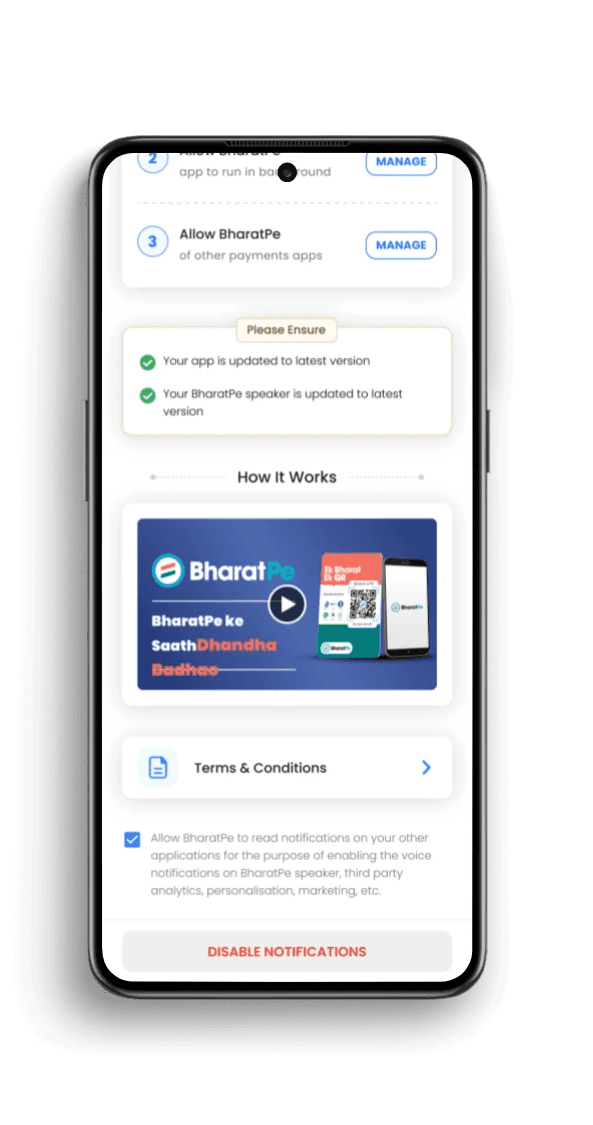
This is a very critical need so that the user can read the notifications in real time. For this, the user has to enable the BharatPe Notifications in Speaker Settings.
02. Autostart Permission
This permission is required to Restart this service if it crashes which is highly likely in Vivo, Oppo & Xiomi Phones once the app is closed. This permission allows the app to run in the background and can be accessed using in the bharatpe global settings.
03. Payment Notification for Other apps
This permission is required to read the transactions of other payment apps like paytm, google pay to enable an all in one experience with the speaker.

Team Member :- 1 UX Designer + 2 Product Managers + 2 Developers + 1 UX intern (me!)
Requirements to run the new update

Reasons for Service Crash
Operation System (OS) like Android, FuntouchOS (Vivo), HyperOS (Xiaomi), ColorOS (Oppo) killing the service due to high battery drain
Android can move the background service into garbage if not handled properly
Rebooting System
This permission is mostly auto-enabled when app is downloaded from PlayStore
However, if the user or OS disables it due to high battery drainage, then we need to explicitly seek AutoStart permissionIt is also recommended to keep the app open in background
Auto Start
AutoStart is untraceable - you don’t know when it is ON or OFF. Hence, you don’t know when to suggest user to enable AutoStart
Alternative - If notifications stop working, bring the user into Debug section and ask the user to enable AutoStart permission
Before
(Swipe to see screen)
After
(Swipe to see screen)
Overview - Task 03
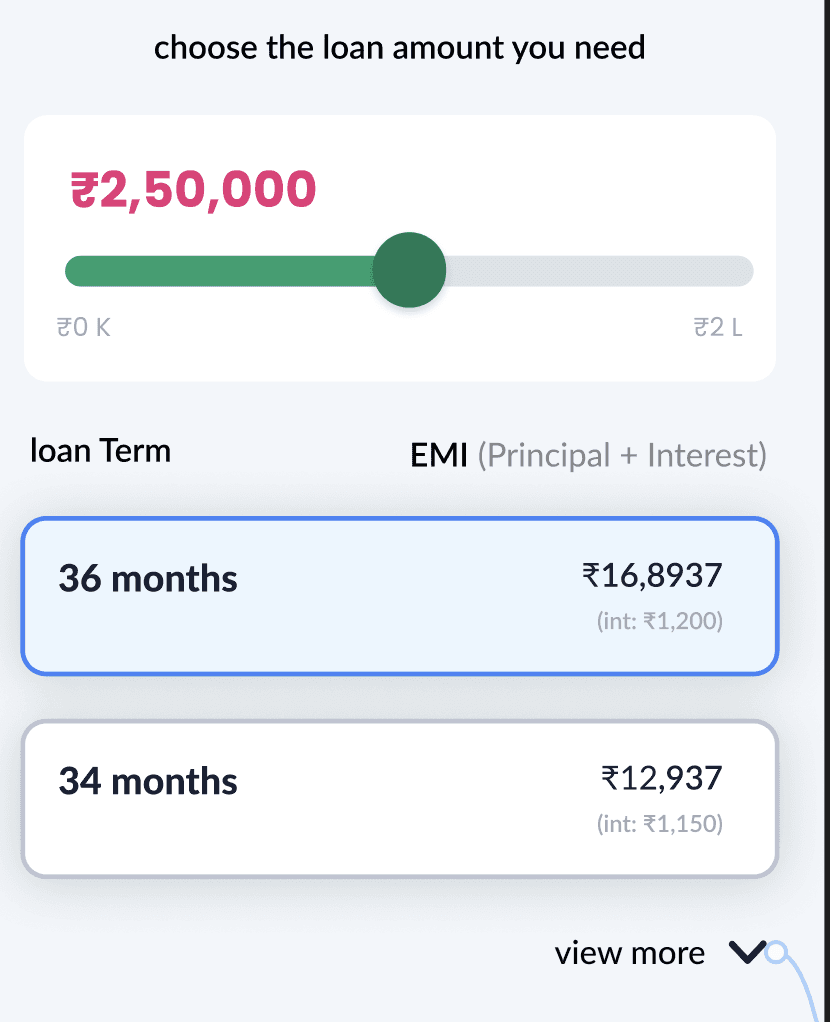
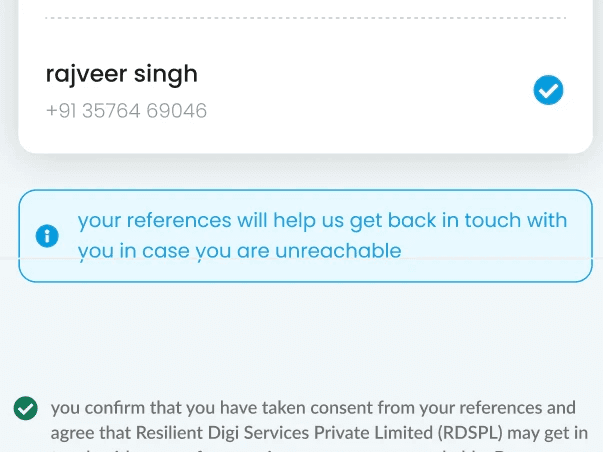
I was asked to redesign of the existing user taskflow for onboarding user to check their eligibility for getting a loan in Postpe App.
Objective
The objective was to make the already existing screens, interactive in nature, and make it appealing to the user.
Process
I carried out white paper research on what components make a screen more interactive to the user.
Solution
Including key pointers to the screens definitely resulted in some an overall good outlook for the screens.

User Delight = UI Design + goal-driven interaction design
Implementioning Objectives in the user flow
Discoverability
Making sure all the first priority elements are visible to the user directly.
Signifier
Next Possibility of each action button should be clear to the user
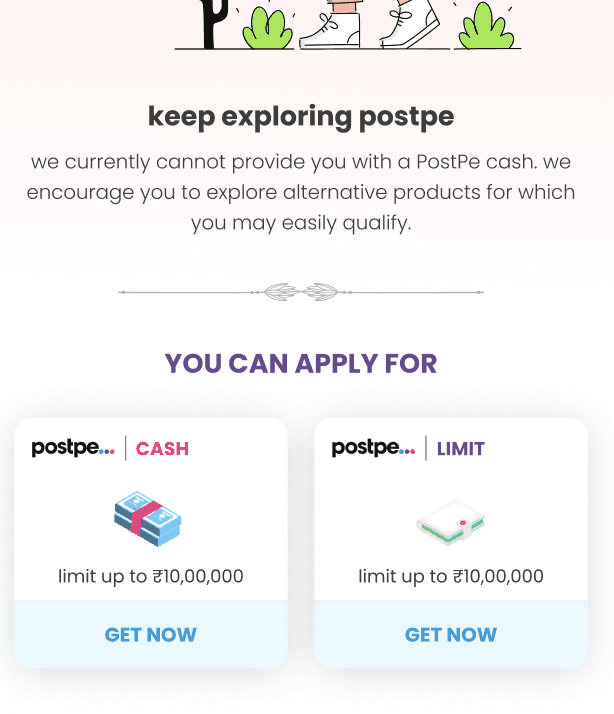
Feedback
Keeping the users informed on what's going on.
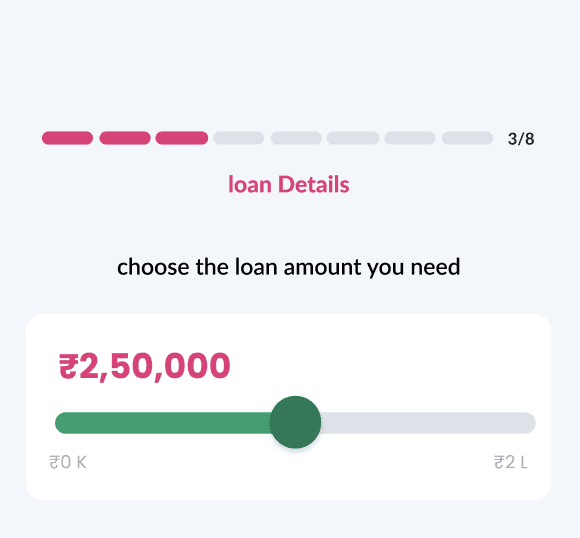
Mappings
It’s the relationship between a control and its resulting function
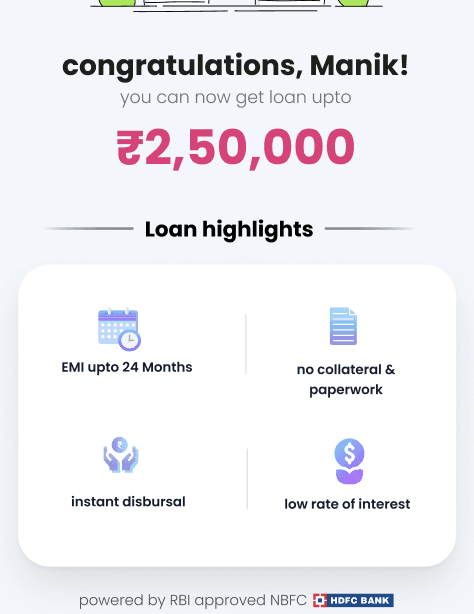
Patterns and Learnability
How easily can a new user learn to navigate an interface